TikTok LIVE Creator Network
Join InfluO on TikTok LIVE
A few steps are all it takes to request to join our network.
1. Open the official agency page
This link shows the Shopini agency information and gives you access to the membership request path provided by TikTok.
Join the Shopini agency on TikTok(opens in a new tab)Your request will be reviewed: joining is not automatic.
2. Or use the Agency Center
Log in to your TikTok account and open the Agency Center to see the available invitation options.
Open the Agency Center(opens in a new tab)Invitation code
Depending on your path, TikTok may ask for an agency invitation code. This link helps you get it from the TikTok app.
Get my invitation code(opens in a new tab)Scan the official QR code
Viewing this page on your phone? Use the button instead: it opens the agency page directly.
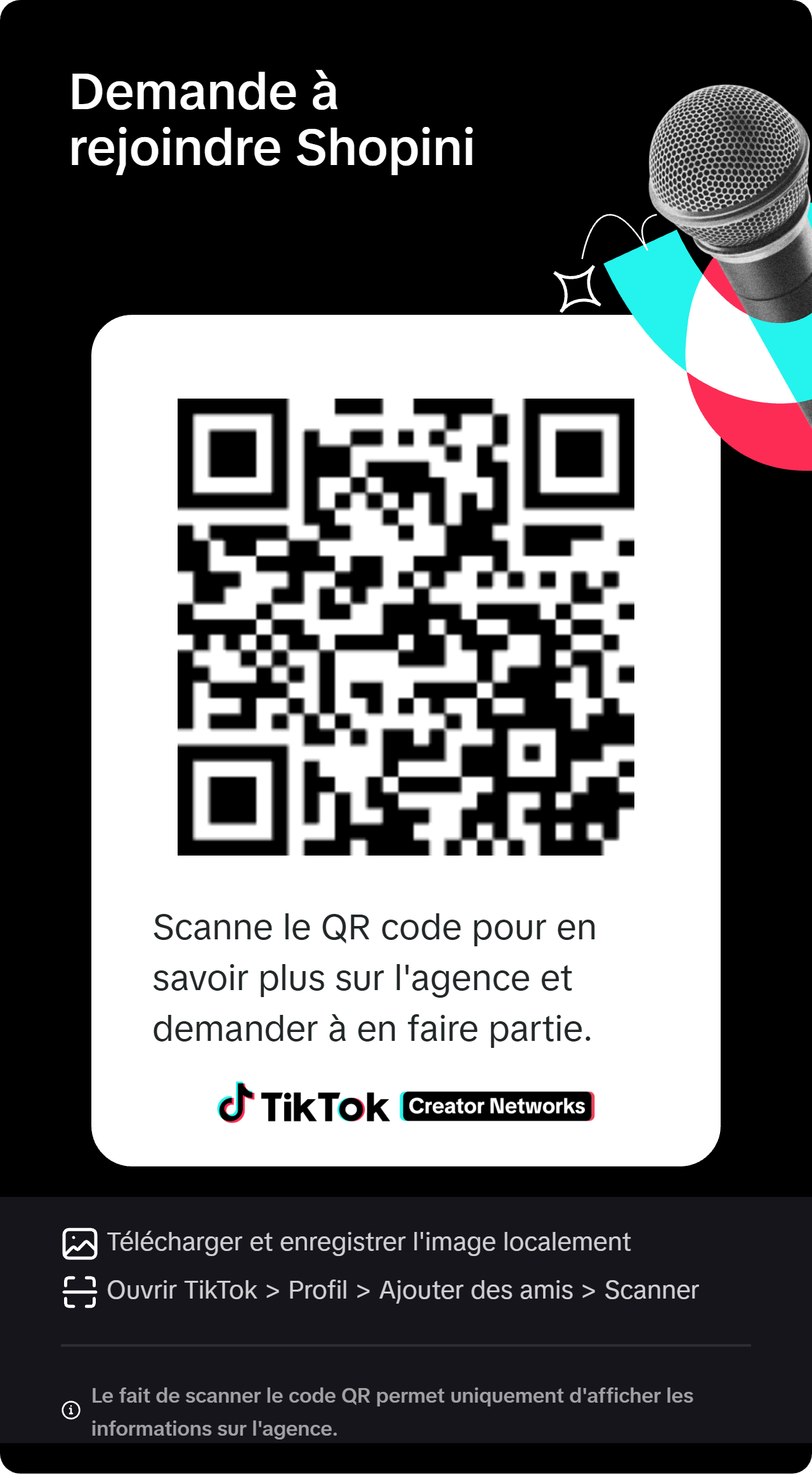
How to scan
- 1From another device: open TikTok > Profile > Add friends > Scan, then point at the code.
- 2Or open your phone's camera and point it at the QR code.
- 3Scanning only shows the agency information: you then send the request in TikTok.
Your safety first
- We will never ask for your TikTok password.
- Never share a login code (OTP) received by SMS or email.
- No payment is required to send a request.
Introduce yourself to our team
Optional: this form helps us get to know you and follow up on your request.